The current default bootloader for Fedora 43 is still GRUB, and I wanted to switch over to the native systemd bootloader systemd-boot. However, it was somewhat of a challenge to find clear instructions for this process, so I’ll step through them here.
This guide only shows how to set up systemd-boot on a fresh Fedora 43 install, since I had challenges trying to switch from GRUB post-installation.
Before you even boot into the Fedora ISO of your choosing, the GRUB bootloader will flash:
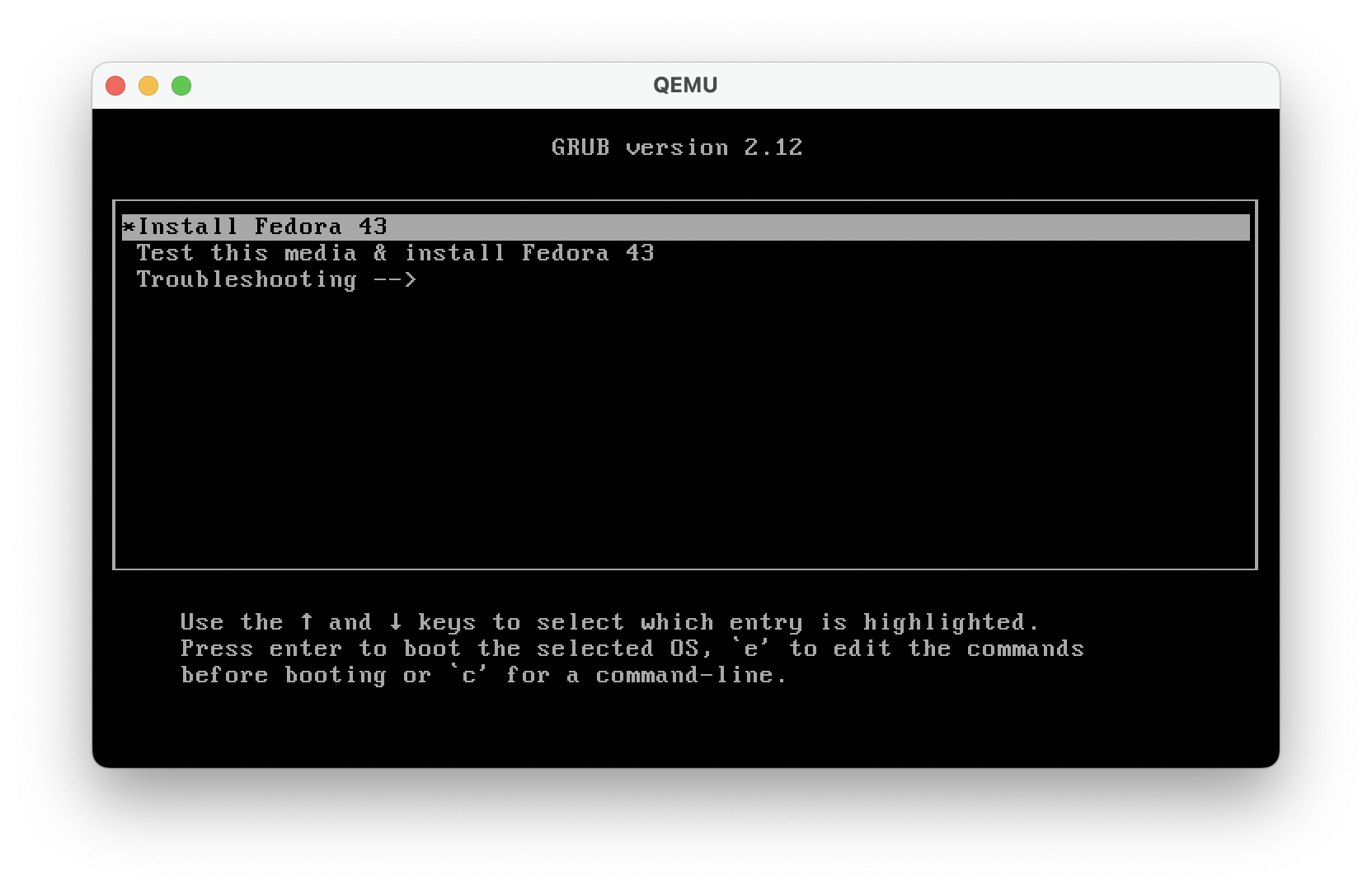
Before the 60s timer runs out, use the arrow keys to select the installation and press e to enter an Emacs-like editor:
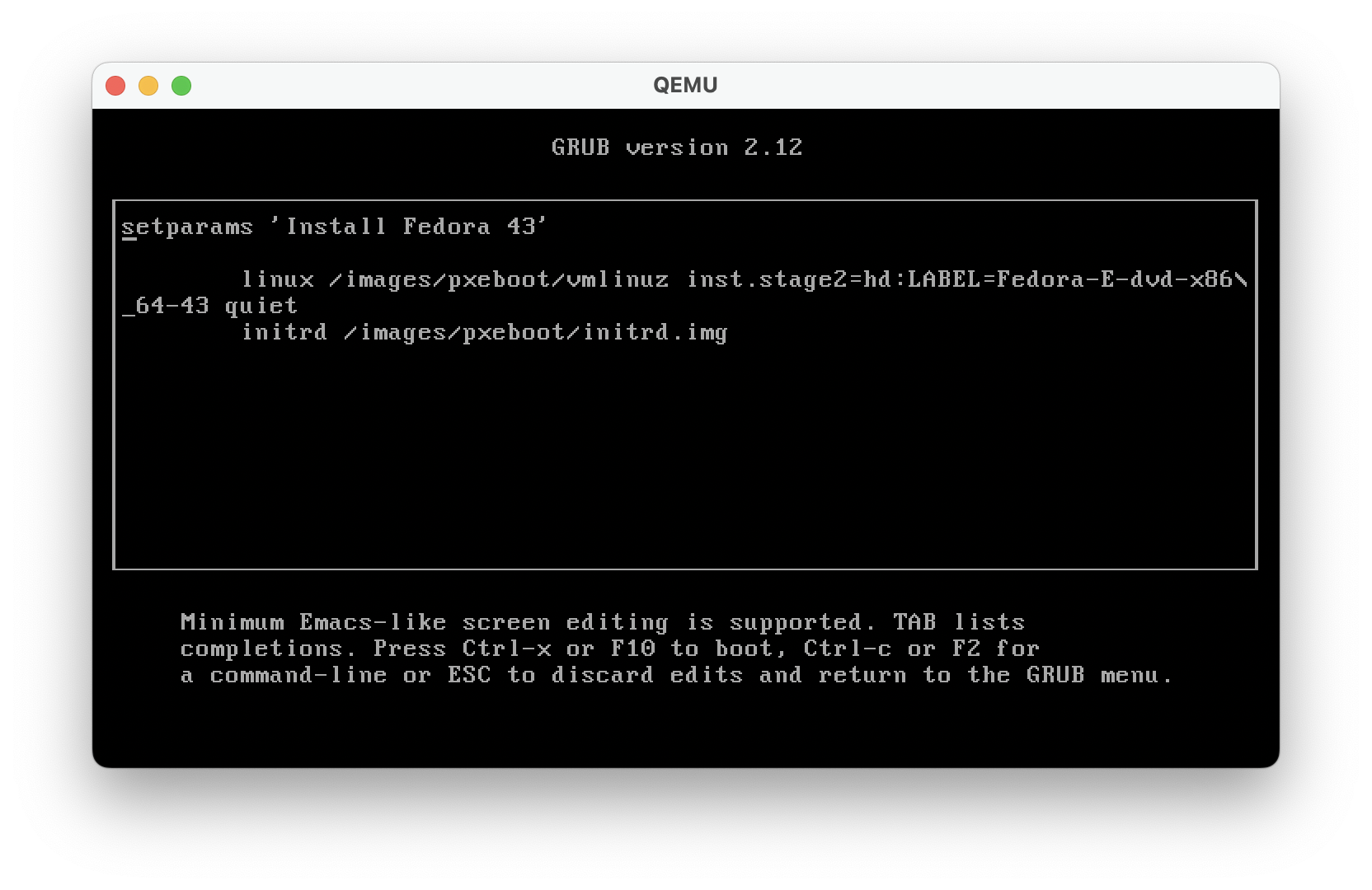
The editor will show the current boot parameters that are being used to boot into the specified ISO.
Now, enter the text inst.sdboot after the second line, linuxefi /images/pxeboot/vmlinuz :
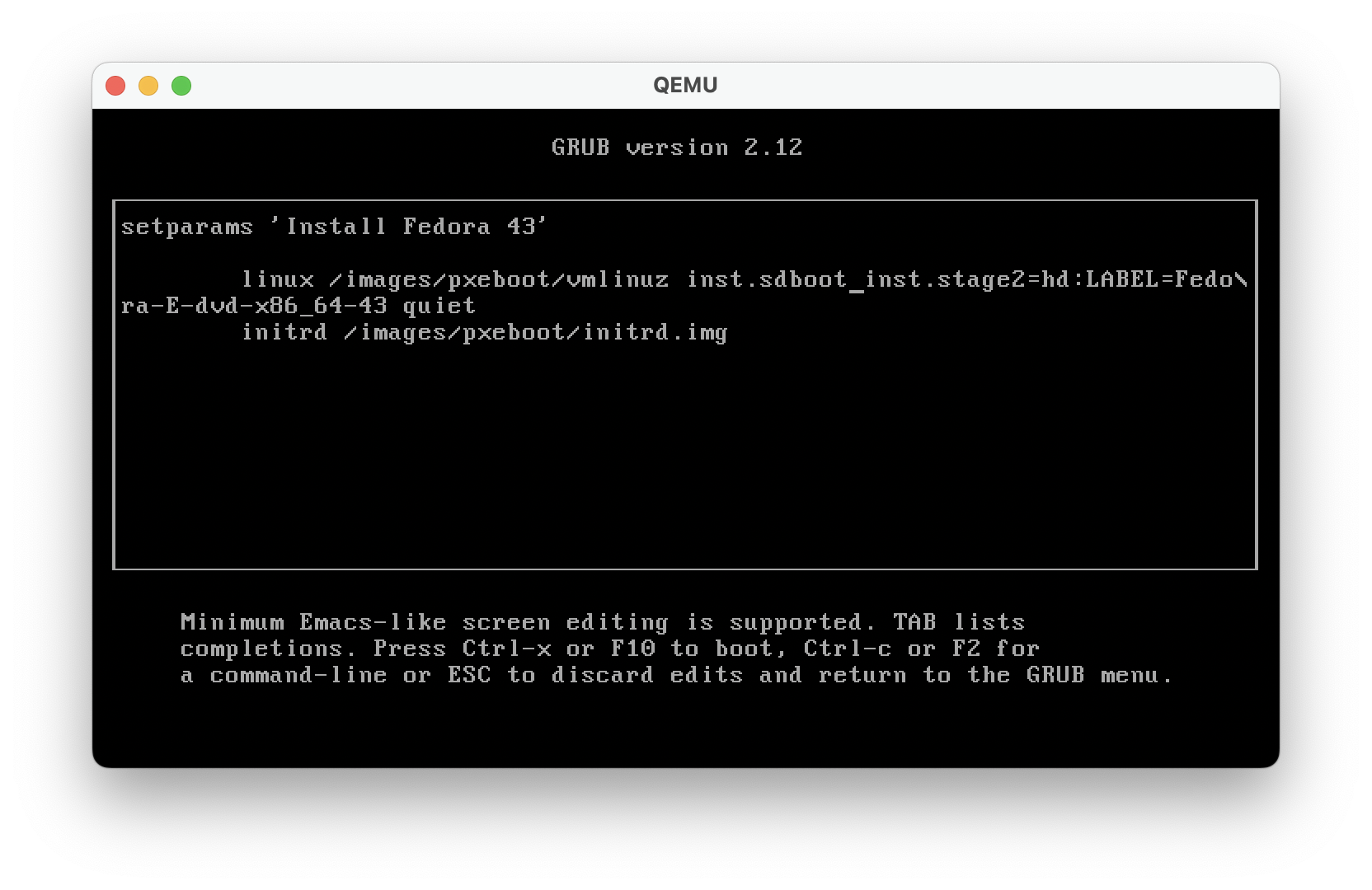
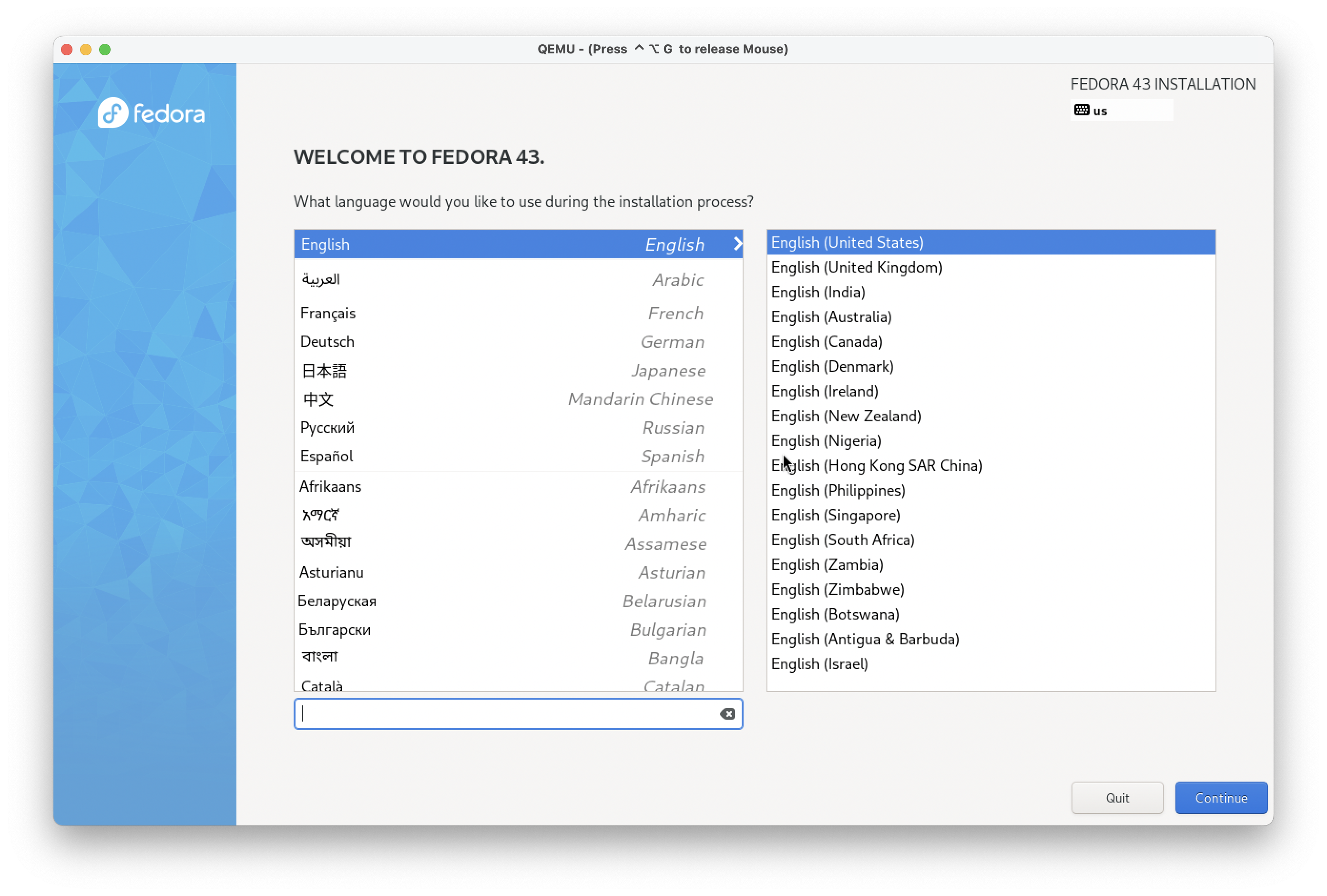
Type Ctrl+x to save & boot with the modified boot parameters, and you’ll be good to start your OS installation!
resources
- Fedora instructions for testing
systemd-boot
https://fedoraproject.org/wiki/Changes/cleanup_systemd_install - Arch Wiki entry for further information on
systemd-boot
https://wiki.archlinux.org/title/Systemd-boot